Dashboard Color Theme
The Dashboard’s Light or Dark theme is set per-user, and is set to Automatic via browser detection by default.
Account Settings
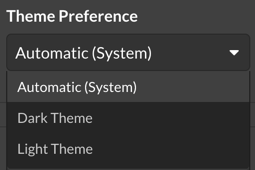
Navigate to Settings > Account. https://app.monitoringclient.com/settings/account
Select the Dashboard Theme from the list, to change the theme, select the preferred theme. The setting is applied on save, and browser detection happens immediately.
Still stuck?
Email support@watchmanmonitoring.com and a human will read it, or ask the community.
Last updated .