Features
Proactive monitoring you can tune
Watchman Monitoring runs lightweight agents on macOS, Windows and Linux, and syncs ChromeOS from Google Workspace, to surface real issues before users feel them. 150+ built-in checks come with sensible defaults, and you decide which ones notify you, where, and on which computers.
What we monitor
150+ automated checks keep you ahead of failures, from hardware and backups to OS stability and security posture.
- Hardware health
- SMART status, RAM, battery cycles, storage health and temperature, to catch failures early.
- OS stability
- Kernel panics, blue screens and unexpected reboots, before they disrupt users.
- Backup monitoring
- Verify Time Machine, CrashPlan, Carbon Copy Cloner, Veeam and more are completing on schedule.
- Security checks
- FileVault, BitLocker and antivirus status, to maintain endpoint security posture.
- Performance signals
- Low disk space, unhealthy processes and startup items slowing systems down.
- Network errors
- Excessive network errors and IP changes, to troubleshoot flaky connections.
- Expiration Tracking
- Automatically discover and report upcoming warranty, license and service expirations.
- Contact Menu
- Give users a menu bar shortcut to remote support, your helpdesk, or custom resources.
- Beacon Reporting
- Know when key computers have been offline too long, with customizable heartbeat alerts.
Proactive, not reactive
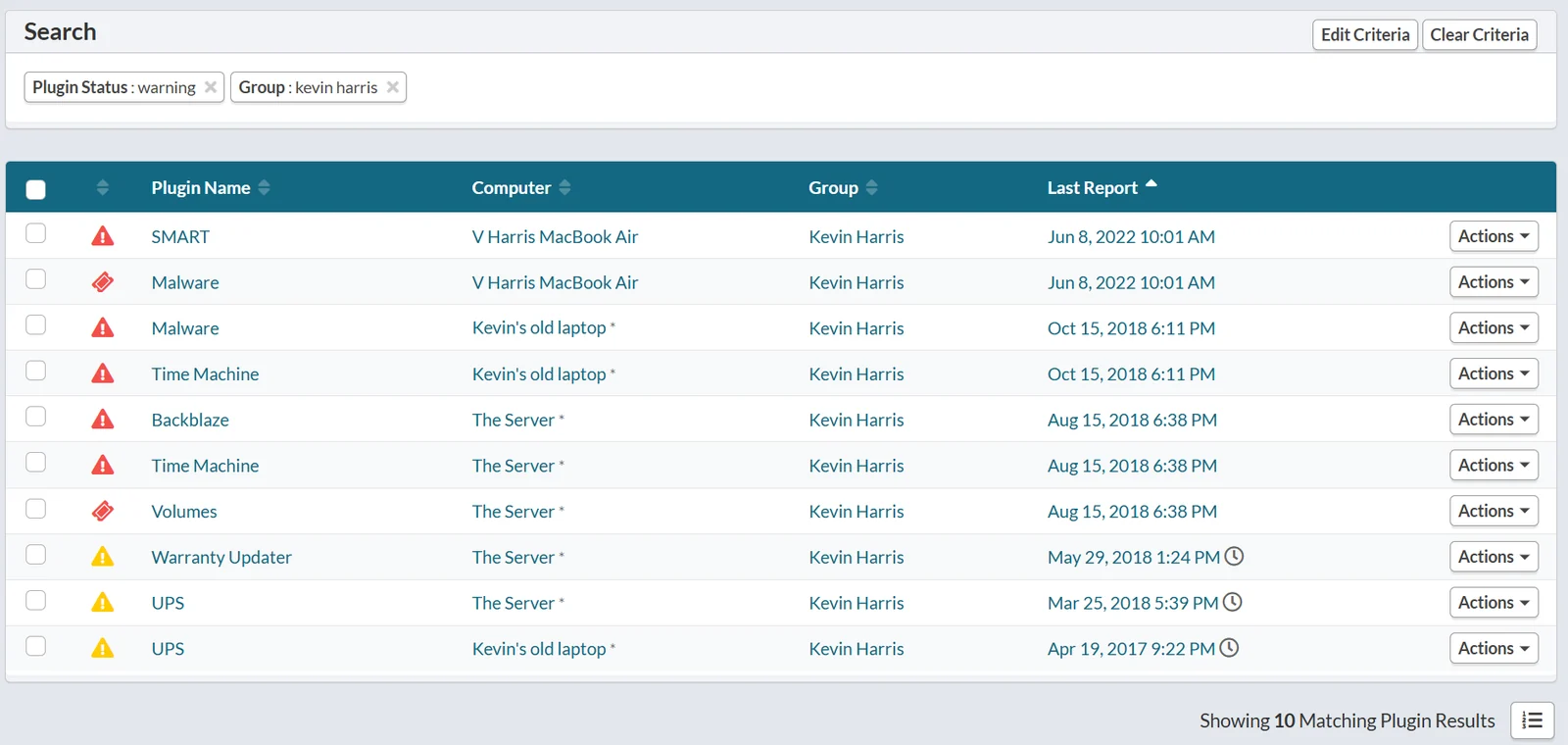
Catch issues before they escalate
Prevent downtime by detecting early warning signs and known failure modes.
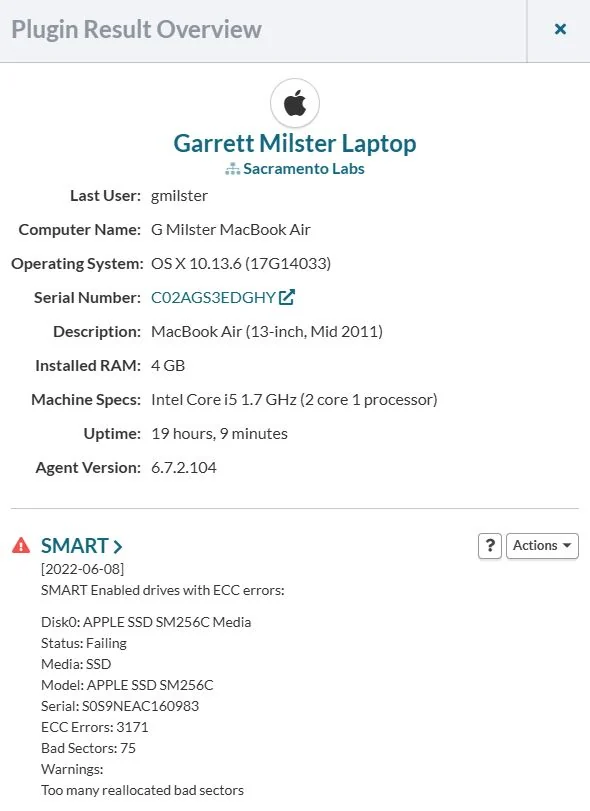
- Hardware health.
- SMART status, disk I/O errors, failing sectors, RAM anomalies, battery cycles and health, temperature concerns.
- Storage and filesystems.
- Low-disk thresholds, false mounts, boot volume changes, external drive state.
- OS stability.
- Kernel panics and blue screens, unexpected reboots, failed POST, crash patterns.
- Performance.
- Free space, runaway processes, startup items, uptime and check-in cadence.
- Networks.
- Excessive link errors and IP changes, to isolate flaky cables, switches or ISP issues.
Alerting you control
Cut through alert fatigue
Too many tools overwhelm teams with constant notifications. In Watchman Monitoring, every check can be tuned, muted or governed by a policy, so the alerts you keep are the ones you act on.
- Focused alerts.
- Opinionated defaults reduce noise from transient or redundant conditions.
- Suppression and de-duplication.
- Prevents alert storms and repeat tickets for the same underlying issue.
- Configurable thresholds.
- Tune per environment, such as disk free, backup recency or battery cycle counts.
- Monitoring Policies.
- Decide once how a plugin should notify you, and apply it to as many computers as you like.
- Clear reporting.
- Concise event context, so technicians know what to do next.
Reports
Group reports & communication
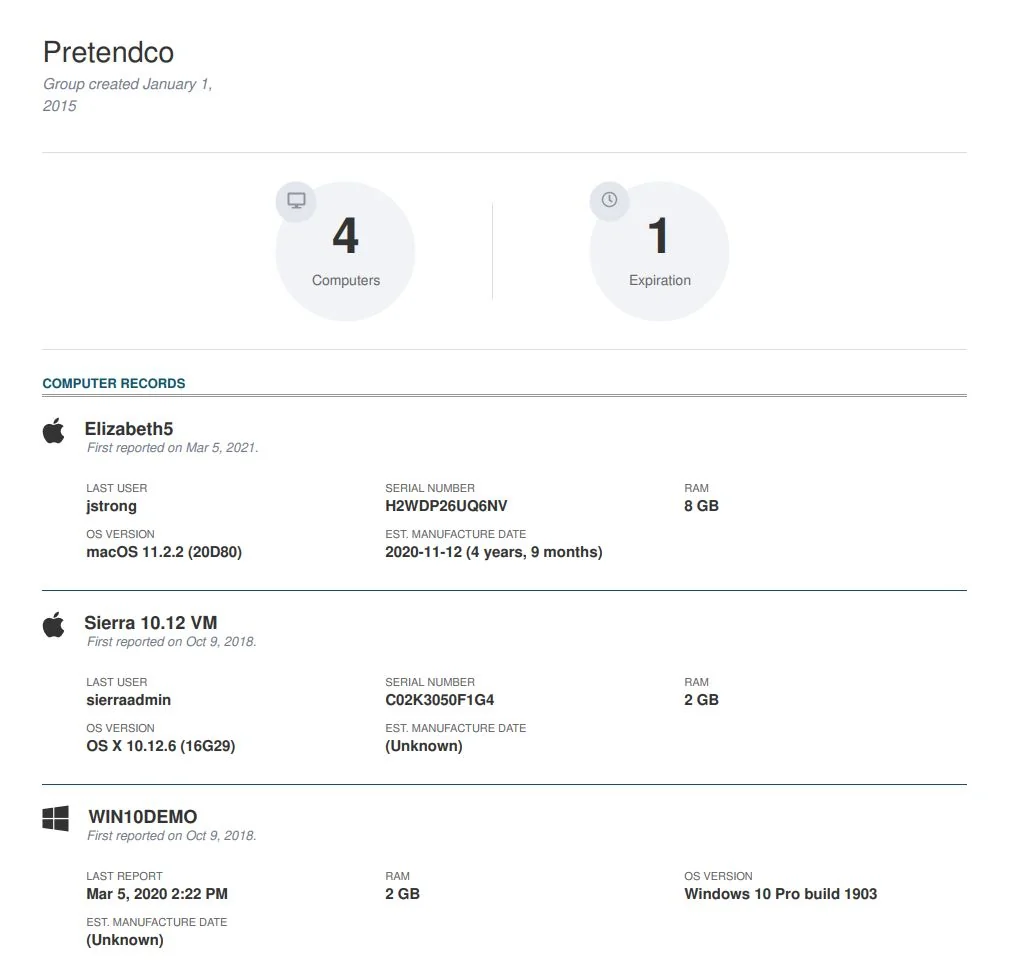
Keep clients and stakeholders informed without adding work for your team. Watchman Monitoring generates clear, styled PDF reports that summarize system health for each group of computers, monthly or quarterly, and emails you when they're ready to send. Use them in client reviews to show your value and cut inbound support questions.
Your brand, not ours
Custom Branding
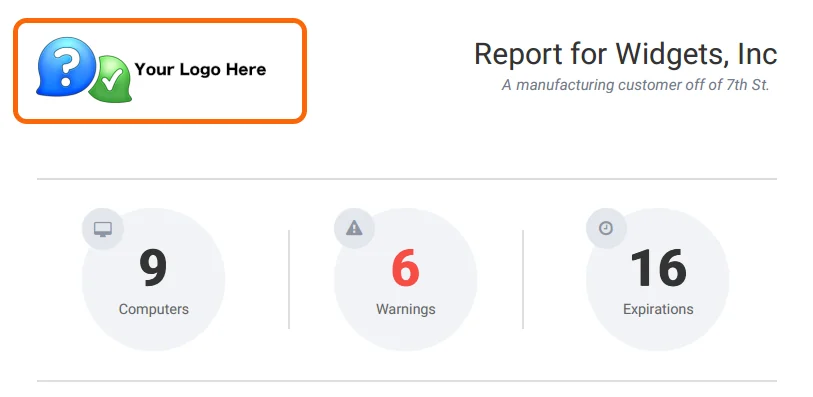
Present Watchman Monitoring as a seamless part of your service. Add your company name and logo to the Contact Menu, installers and reports, so clients see your brand. White-labeled health summaries and alerts reinforce your value with every interaction.
Integrations
Works with your stack
Send findings to your PSA as tickets, link computers to IT Glue, open remote sessions from a computer record, or post alerts to Slack, Teams or any webhook. Everything else is in the API.
PSA & ticketing
- Autotask
- ConnectWise PSA
- HaloPSA
- RepairShopr
- Zendesk
Documentation
- IT Glue
MDM & device management
- Apple Business Manager
- Apple School Manager
- Addigy
- Jamf Pro
- Zentral
- Google Workspace
Remote support
- ConnectWise ScreenConnect
- BlueSky
- BeyondTrust (Bomgar)
- LogMeIn
- SimpleHelp
- TeamViewer
- VNC
Webhooks & chat
- Slack
- Microsoft Teams
- Discord
- Any HTTPS endpoint
See what Watchman Monitoring finds on your fleet.
Start a free 30-day trial. Every feature, no credit card, and most teams see their first findings on the first check-in.