Removing an Expiration
Expirations that have been created Manually, can be removed using the directions below.
Removing/Deleting an Expiration
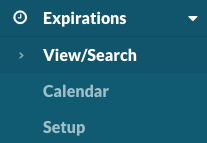
Select Expirations > View/Search to see a complete listing of all expirations.
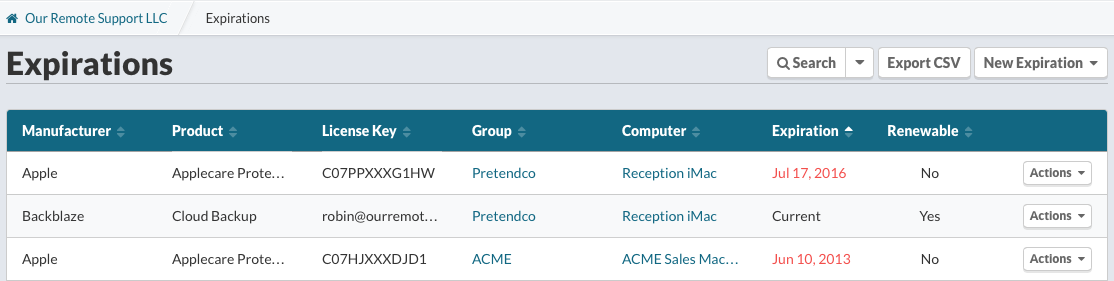
Locate the expiration(s) to remove using sorting or searching.
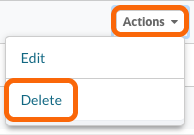
From the Actions menu, select Delete
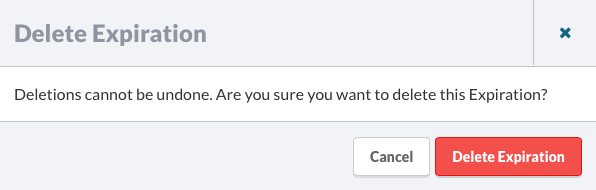
Confirm you wish to delete this Expiration.
Still stuck?
Email support@watchmanmonitoring.com and a human will read it, or ask the community.
Last updated .